Image To Fire Effect - ImgFire FX
A downloadable tool for Windows
ImgFire FX (Image-To-Fire-Effect) is an image utility to add fire effects to your images easily.
Just like this:
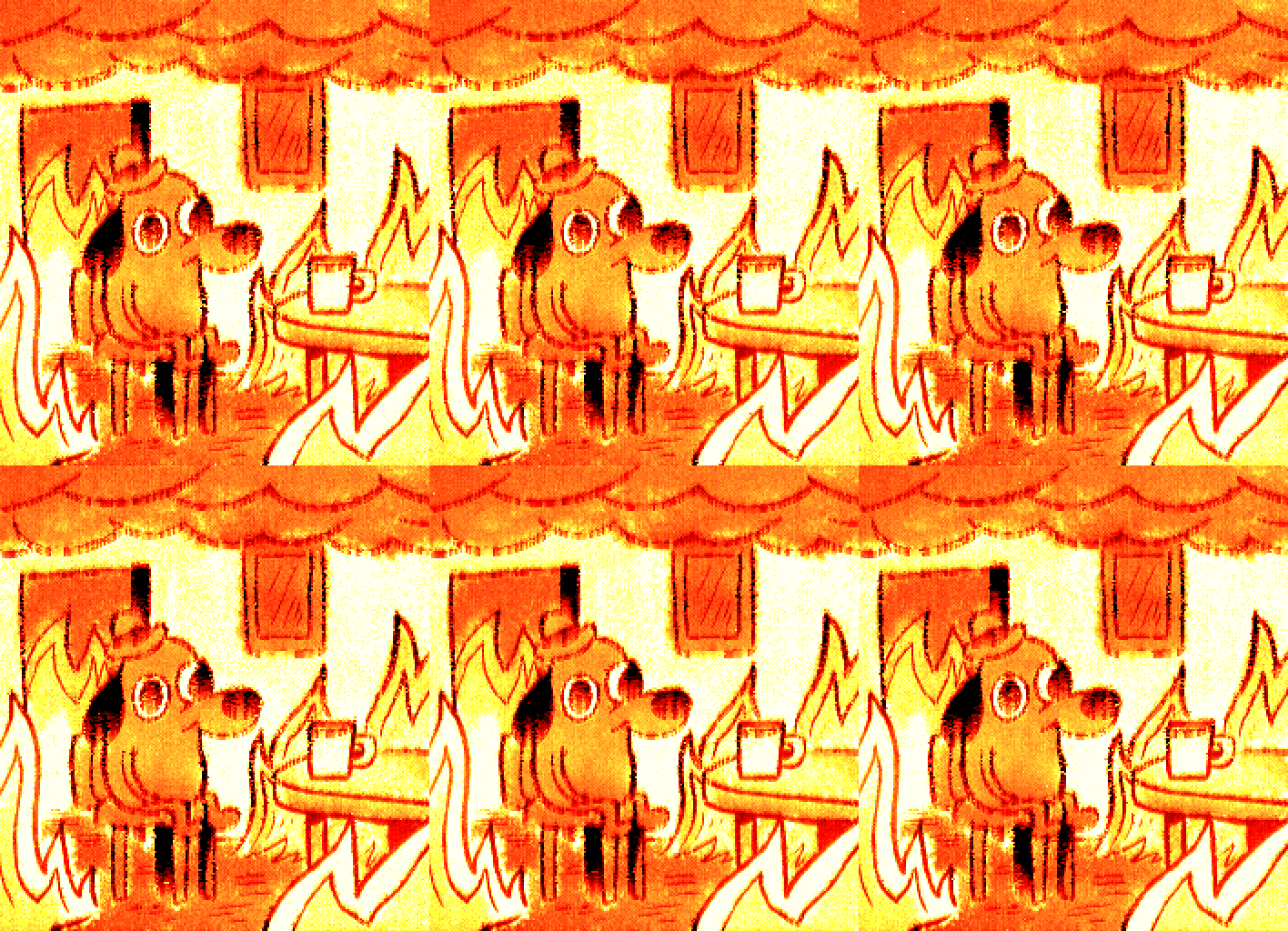
The fire effect added will transform your still image into an animated GIF
with some options like
- color palette or gradient,
- smoke density (having an impact on how quick the fire will spread),
- sparks or particles addition
...
and the first frames of the animation are merged with the last frames, to loop even more smoothly!
Hot conversion examples
3% of spark particles. Option: -ap3

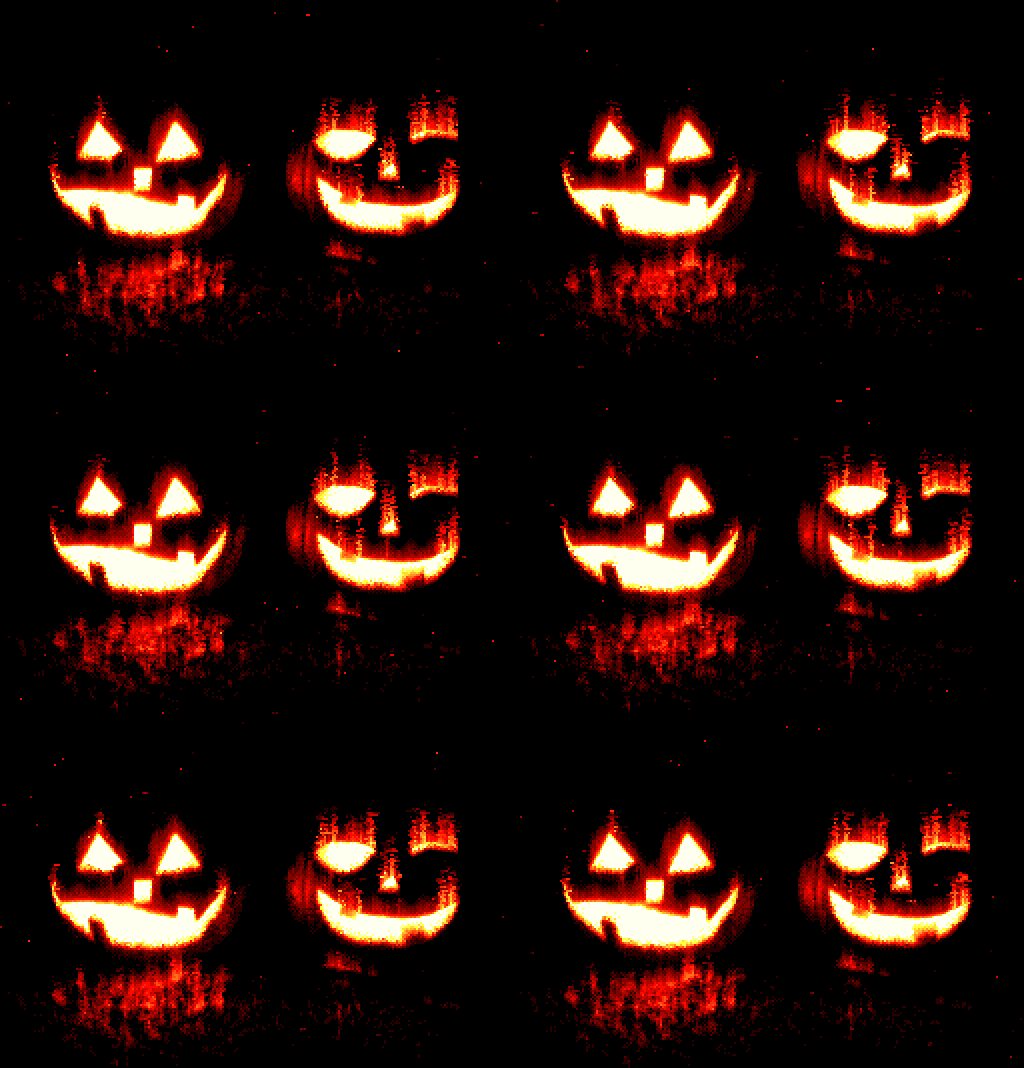
5% of spark particles, 35 frames. Option: -ap5 -repeat35

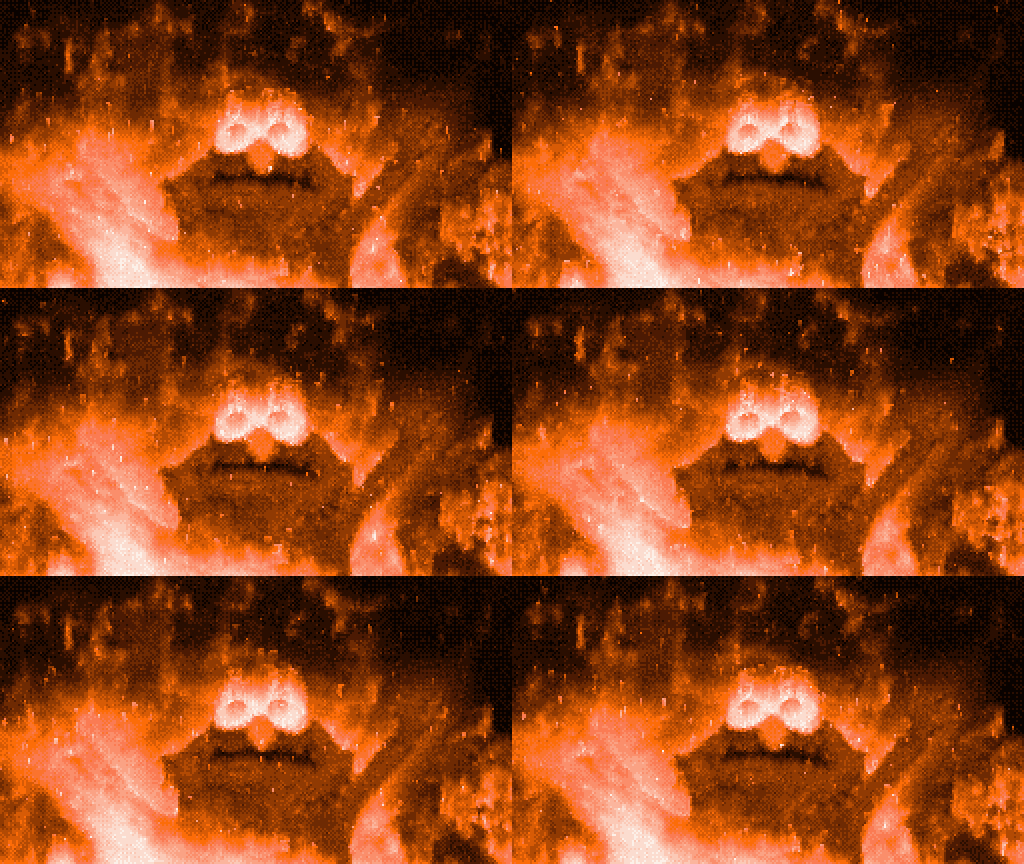
Different Fire spread models: based on colors VS based on contours
-mode0 (based on overall color) VS -mode1 (based on contours)
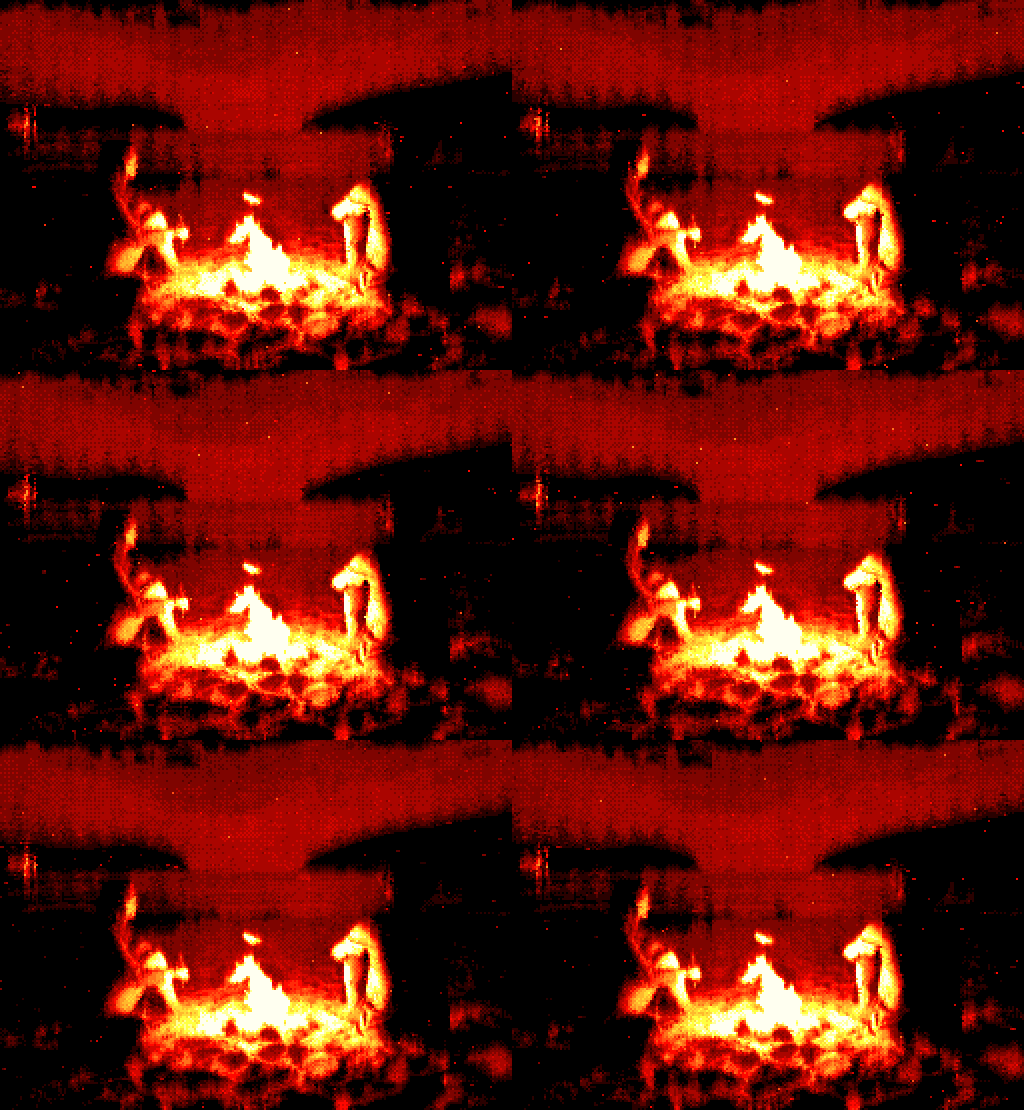
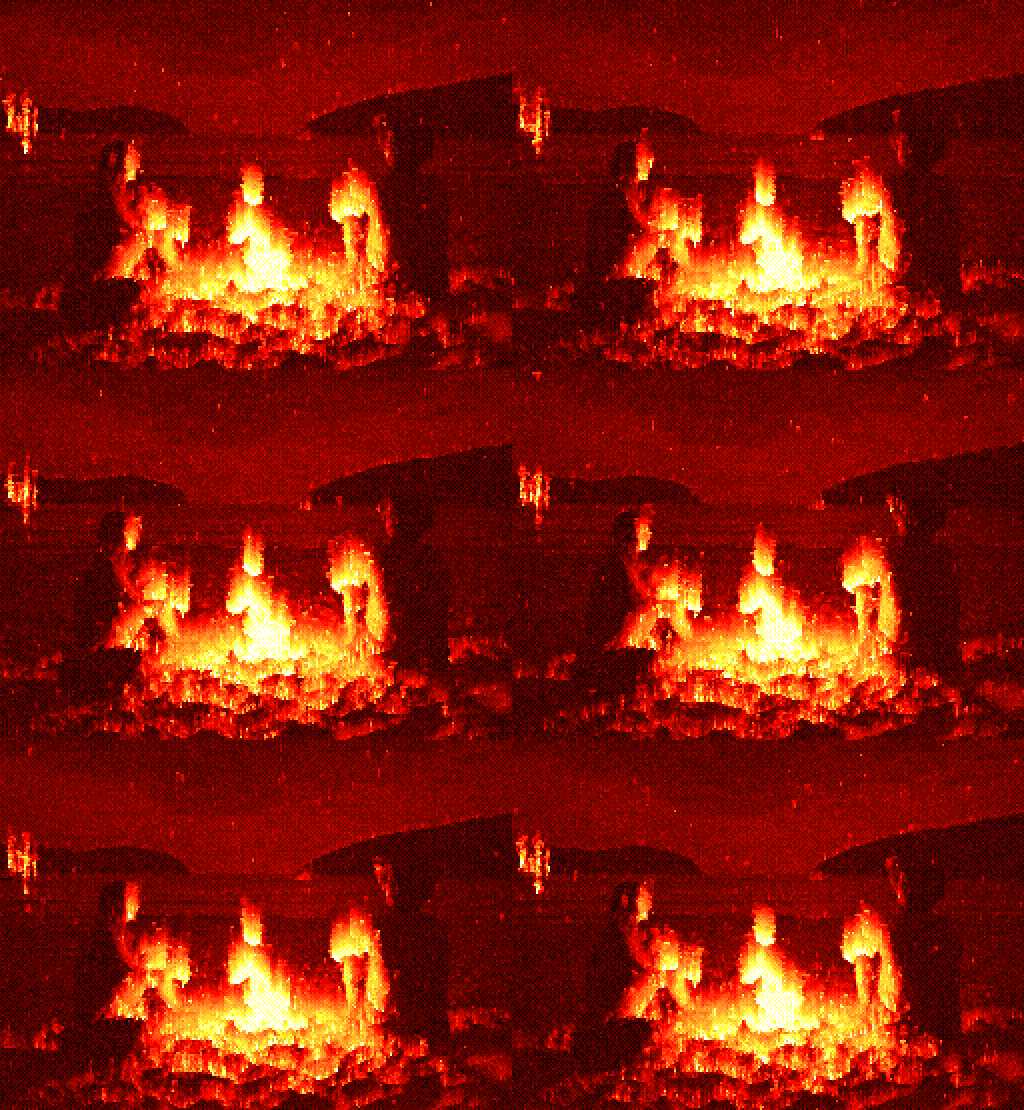
Mode 0 (based on colors) usually works best with texts or high contrast images.

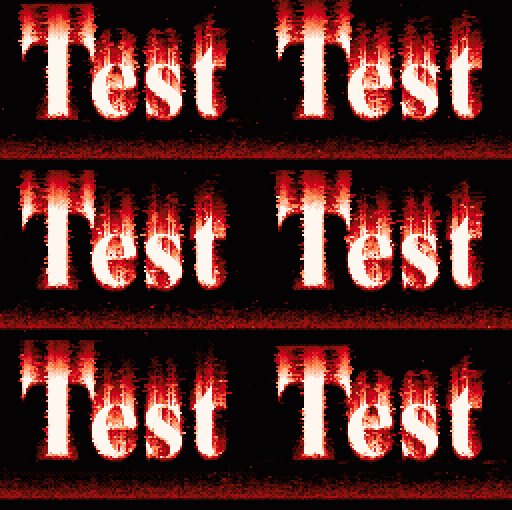
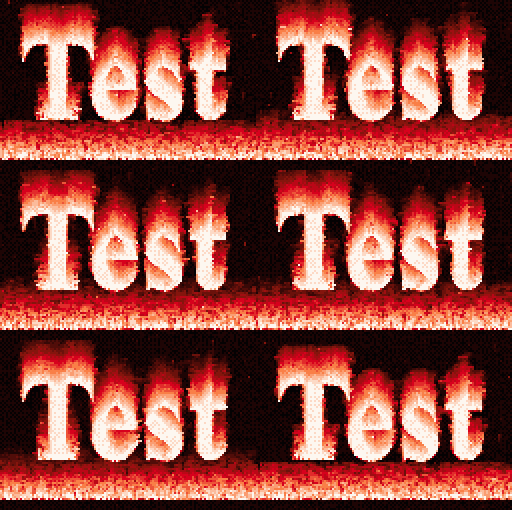
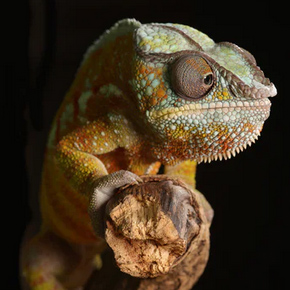
With icy blue colors. Option: -ice
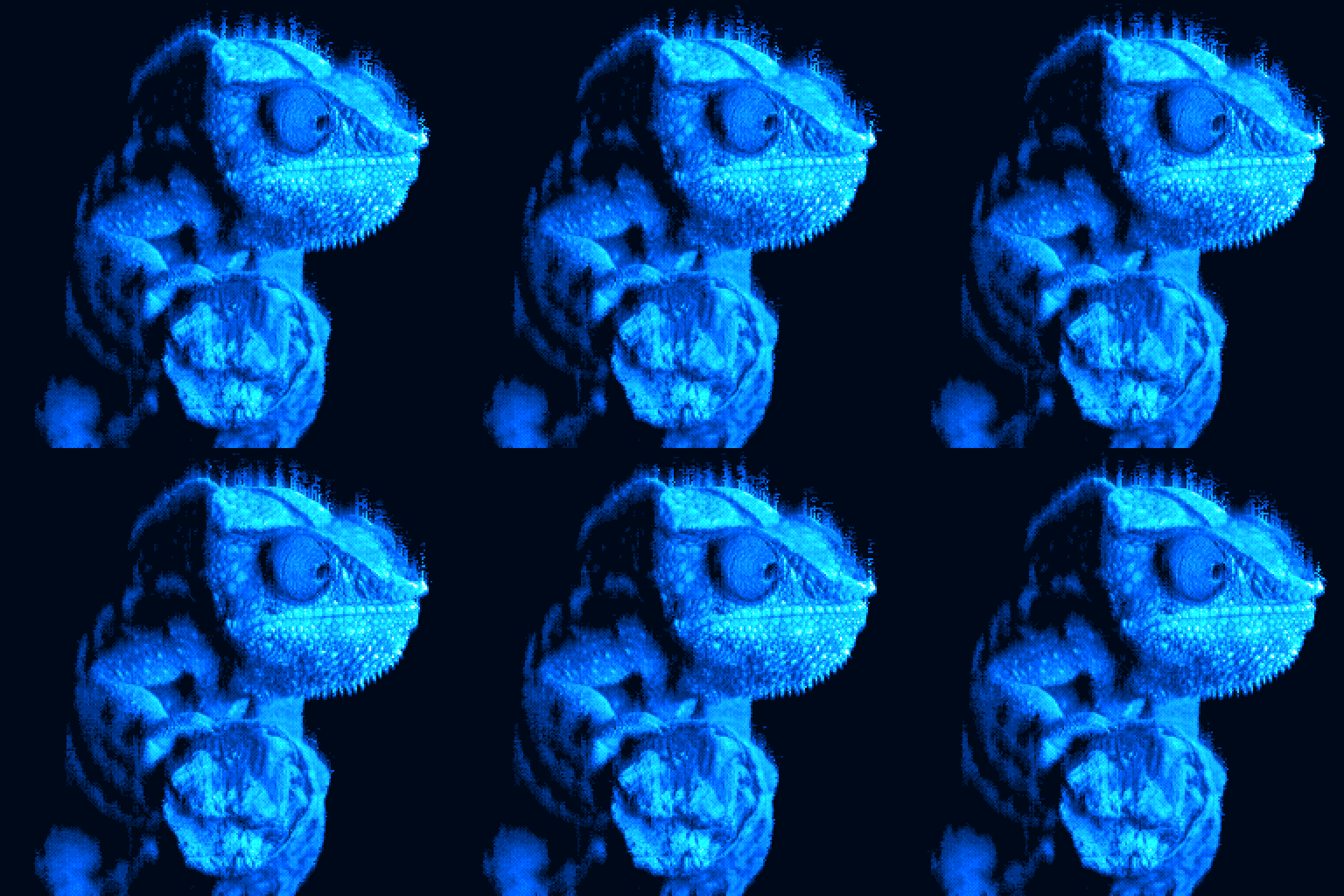
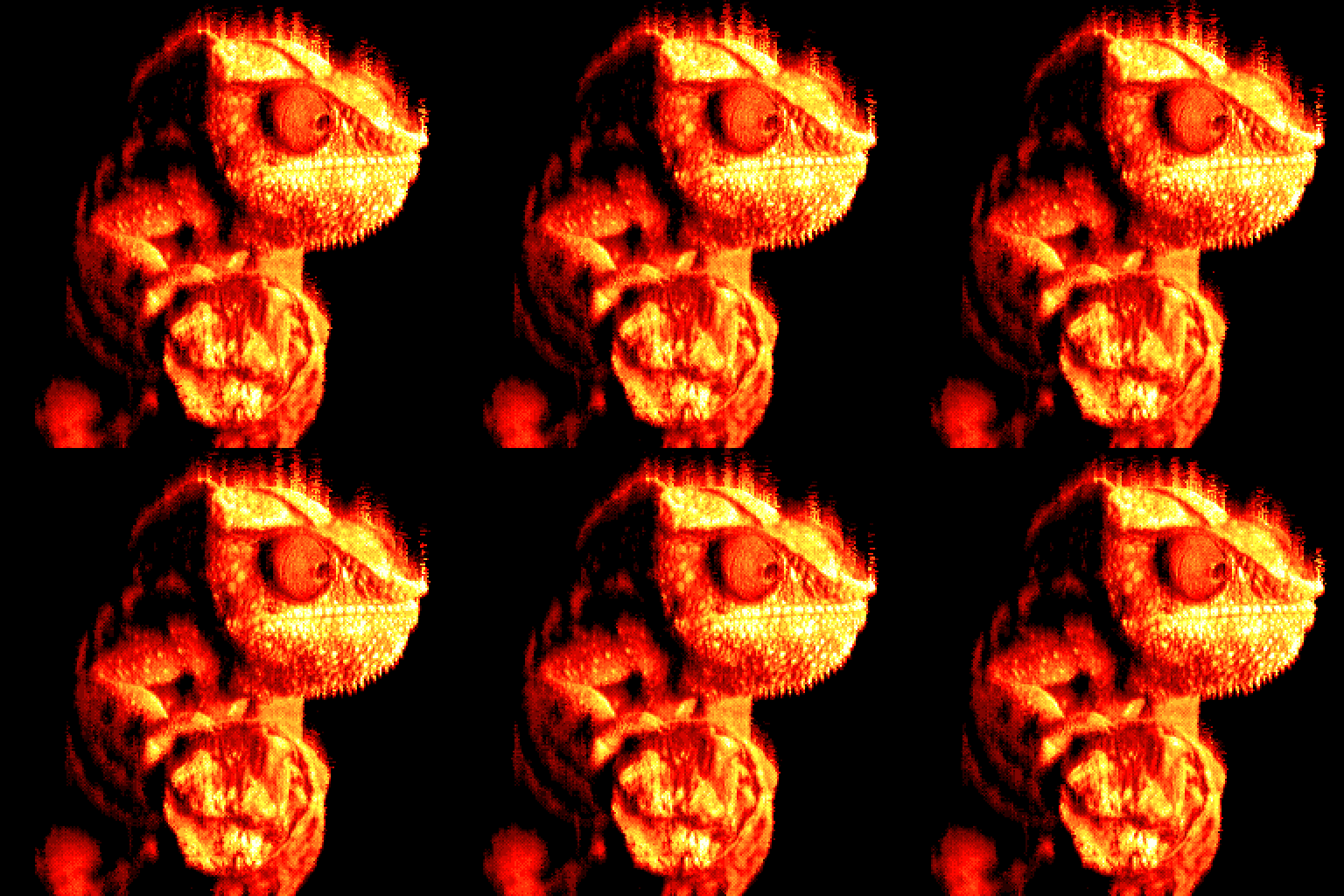
With different density of “smoke”, option: -smoke60
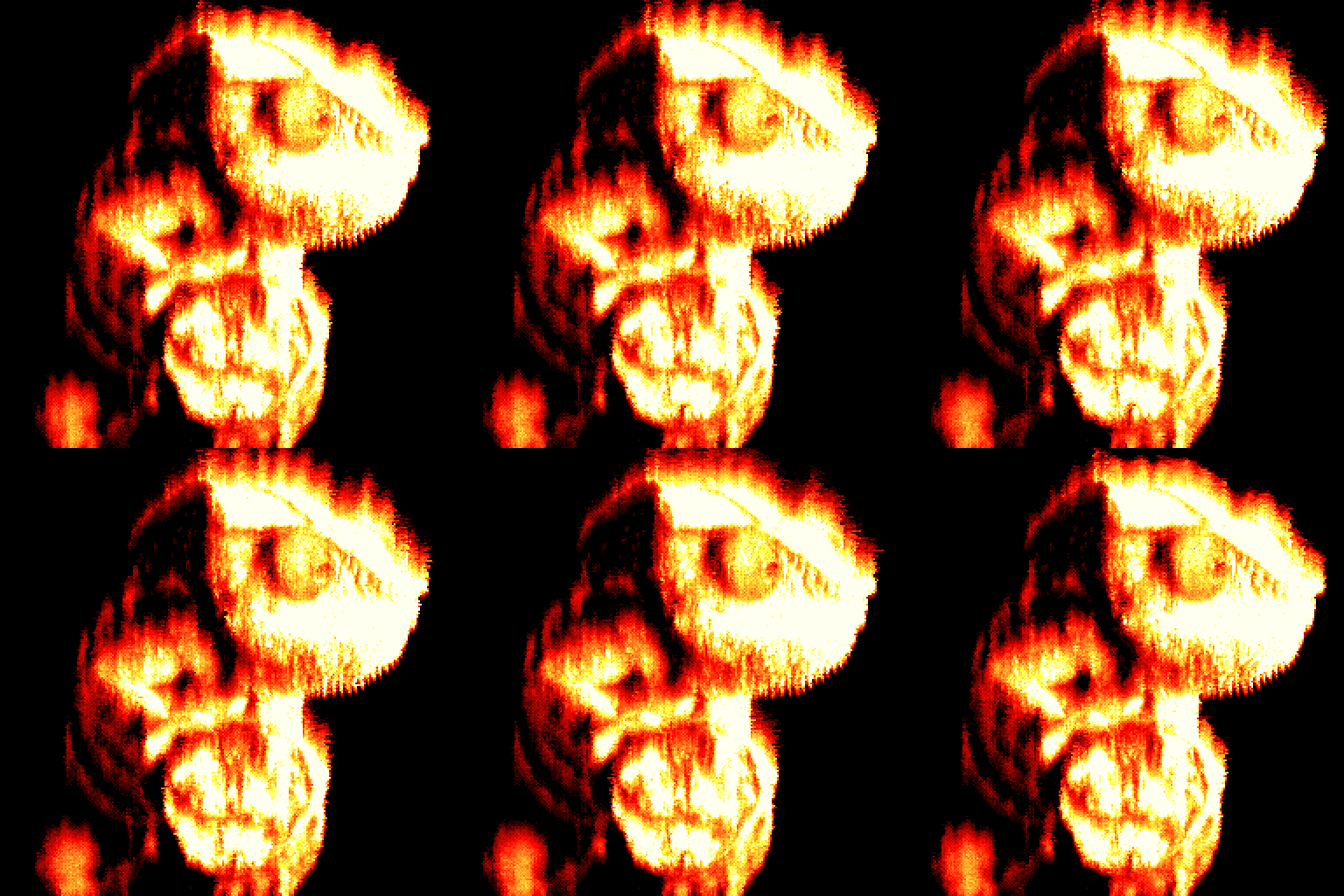
or -smoke20
or -smoke0
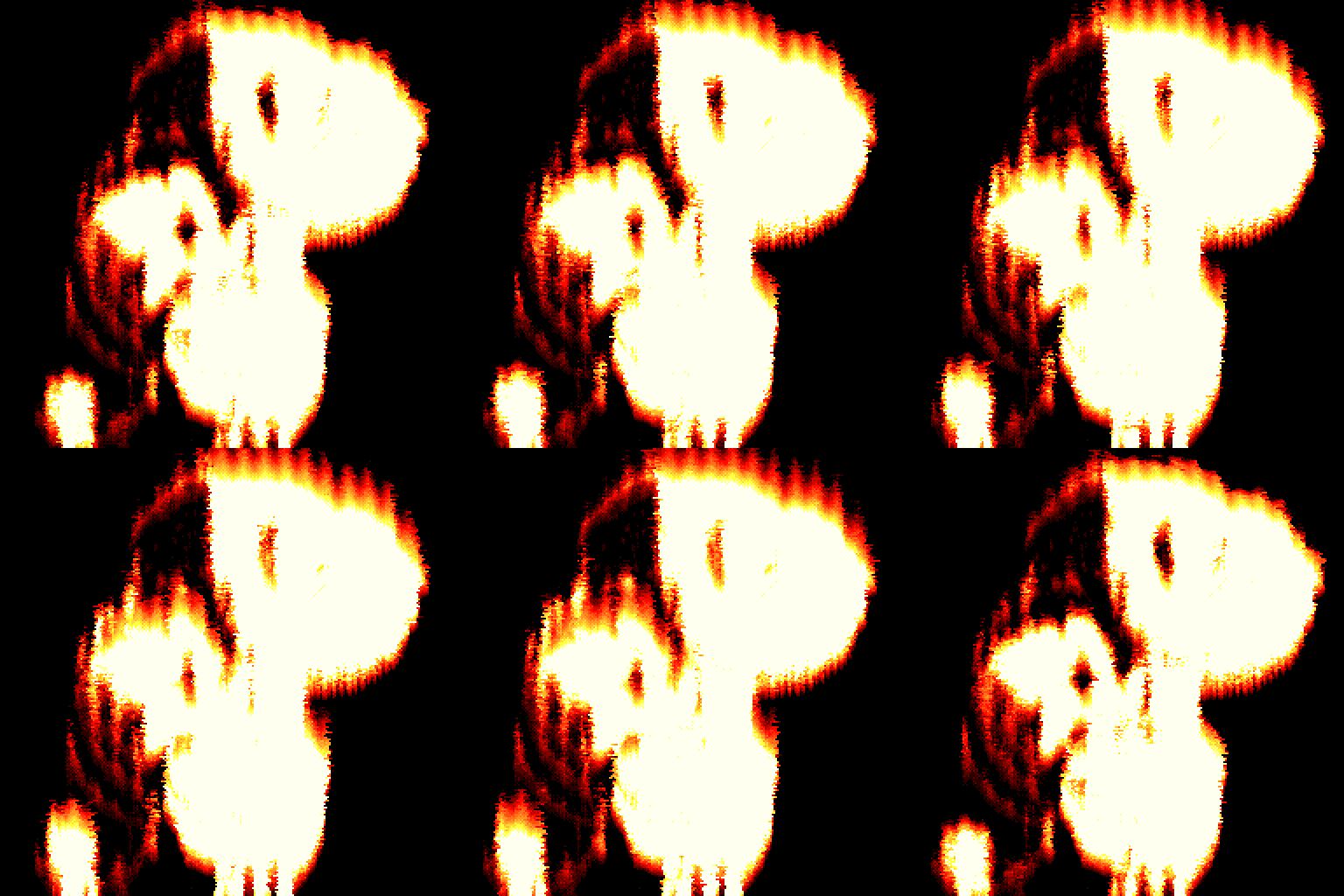
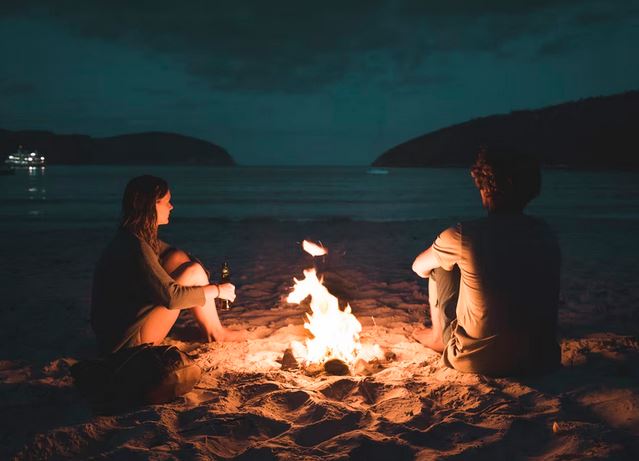
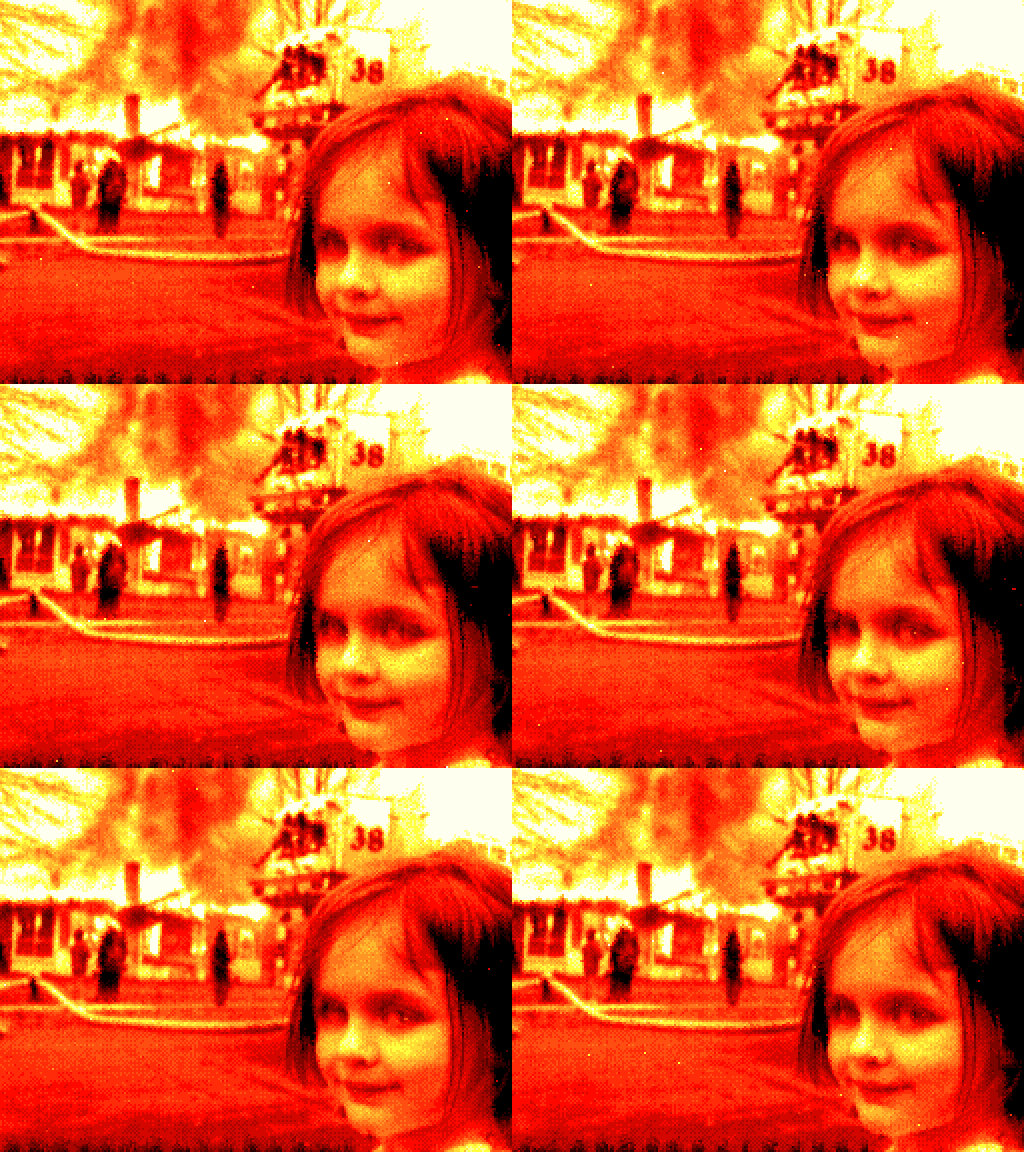
Fire effects on person pictures

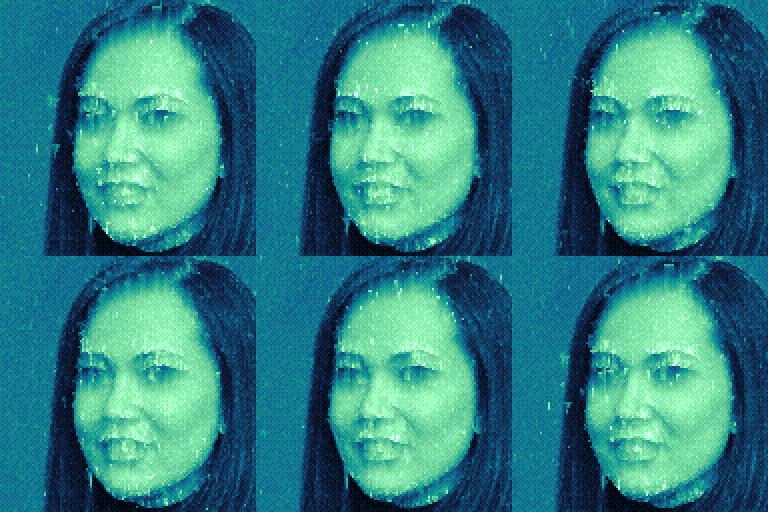

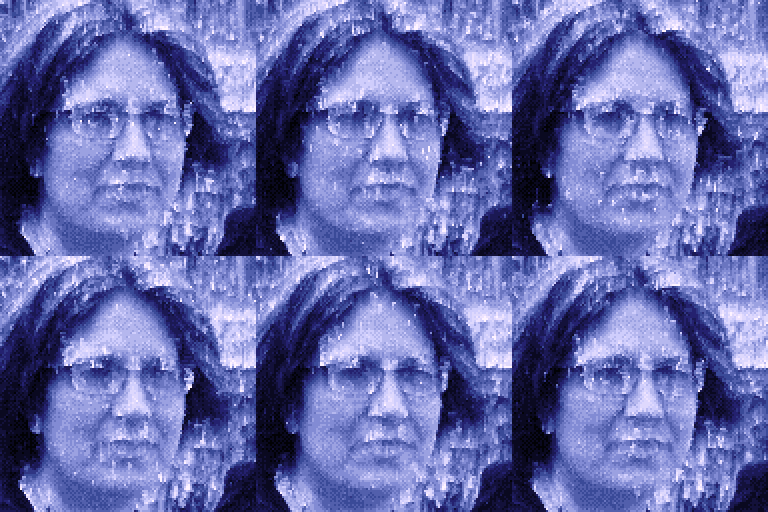
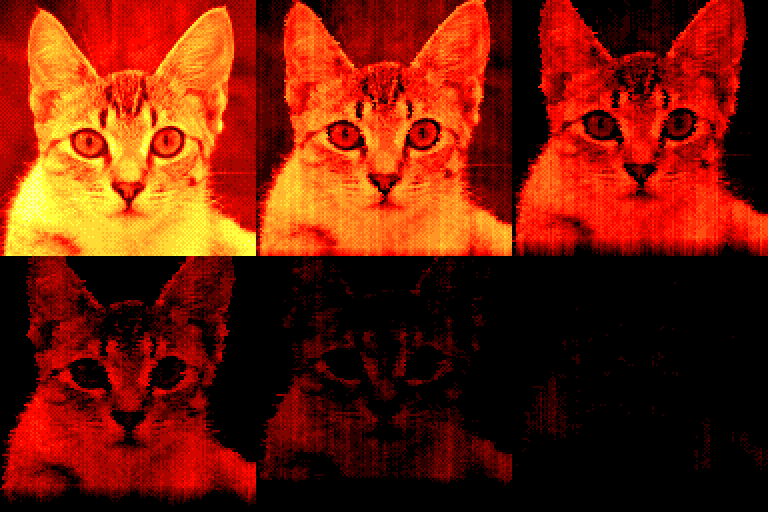
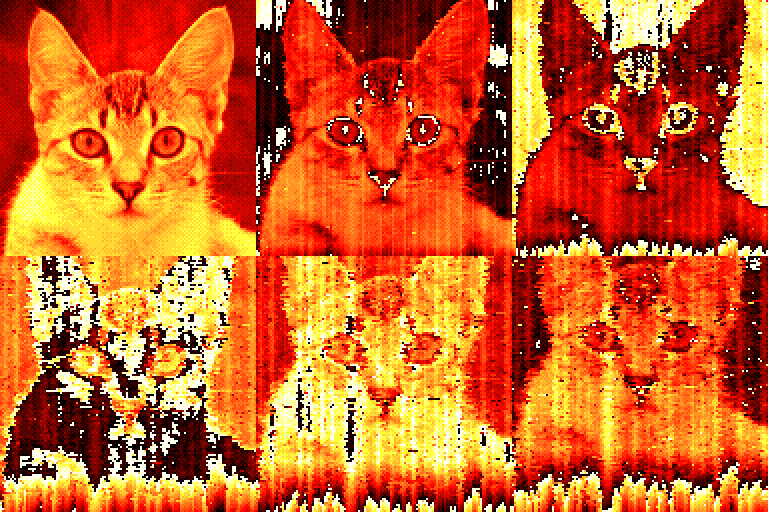
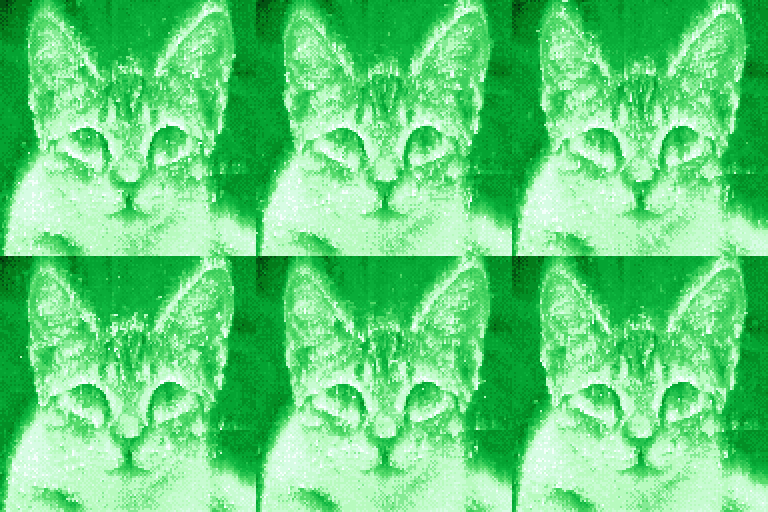
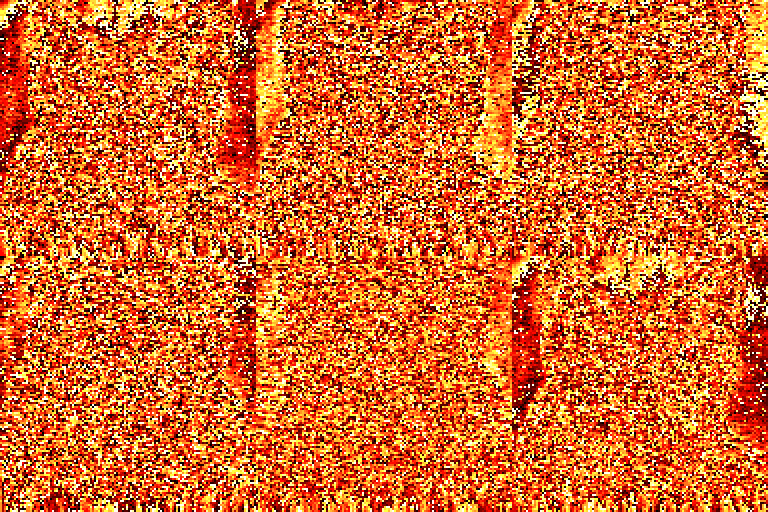
Glitch image progressing
Option: "fading" -an0 -ap0
or "fading" + palette rotation / color cycling -an0 -cycle
or "normal" + green Copper Sulfate palette -p5
or heavy glitch, palette overrun -over -mode0
How to convert images and add fire effects
It’s a command-line tool which makes it possible to process your images in batch, using a batch file for example.
For example, type: ImgFile "D:\My folder\MyPhoto.jpg"
You will get the resulting GIF file in the same folder, or in a dedicated folder if you prefer.
ImgFire supports JPG, PNG, BMP, PCX, LBM, TGA image formats.
Credits - Images
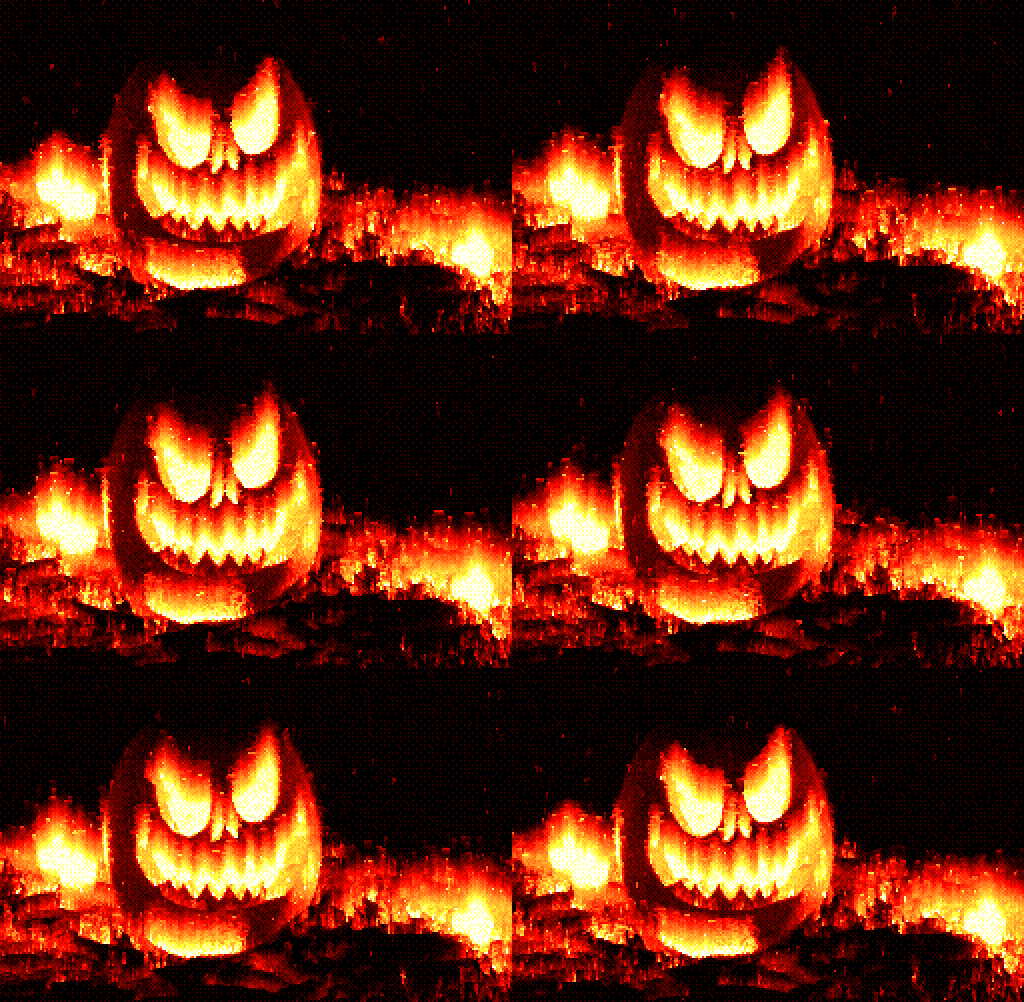
- Halloween pumpkin 1 jack-o-lantern photo by Beth Teutschmann unsplash.com/@teutschmann
- Halloween pumpkin 2 jack-o-lantern photo by Taylor Foss unsplash.com/@taylorfoss
- Lizard photo by Keith Markilie unsplash.com/@rhino007
- This person does not exist (1) thispersondoesnotexist.com
- This person does not exist (2) thispersondoesnotexist.com
- Cat : thiscatdoesnotexist.com
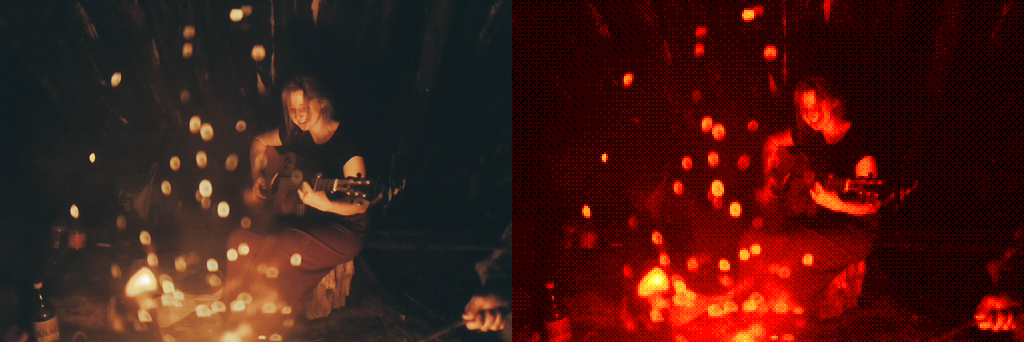
- Woman playing guitar near bonfire photo by Elisey Vavulin unsplash.com/@elsloude
- young man and woman near bonfire looking at sea photo by Manuel-Meurisse unsplash.com/@manuelmeurisse
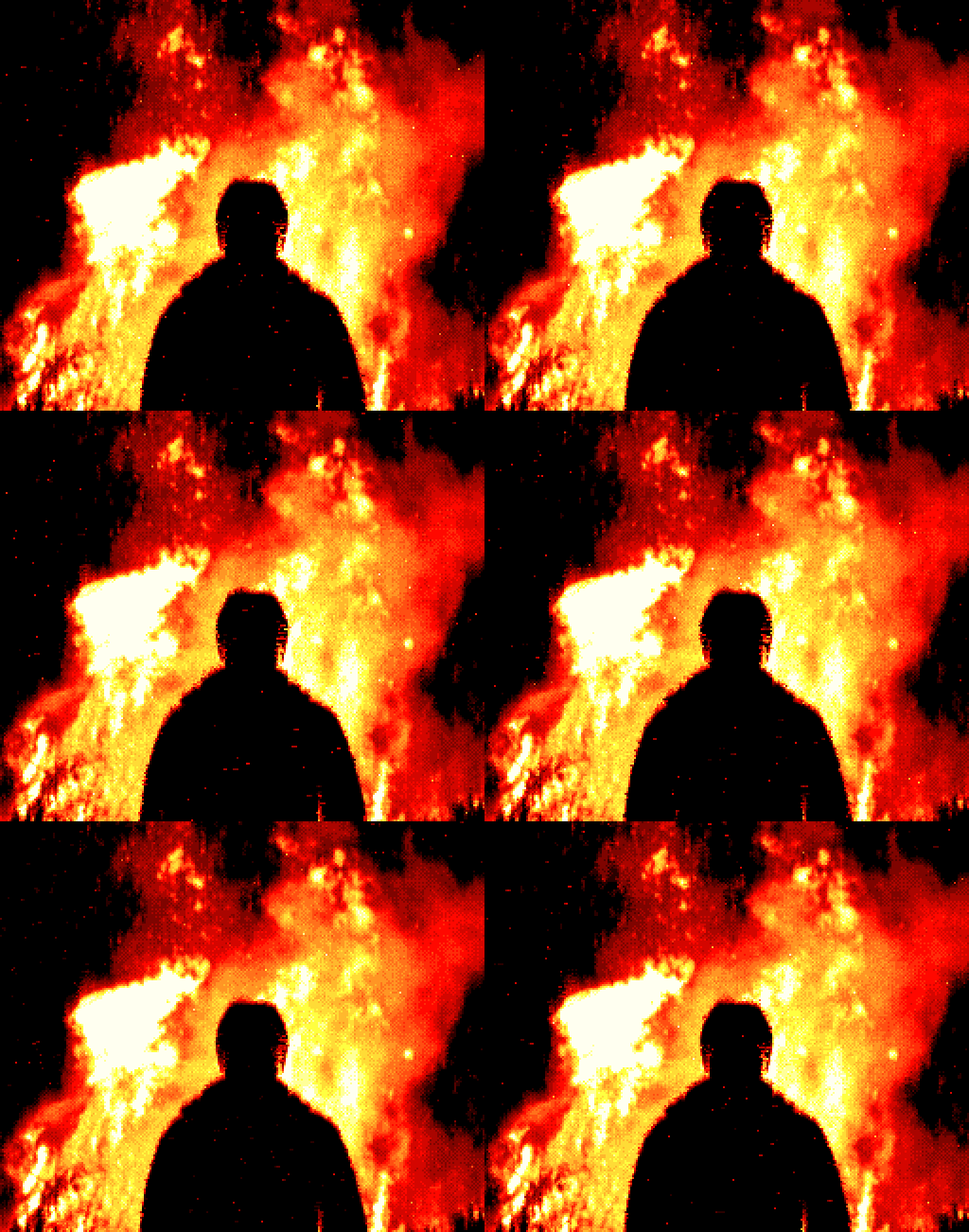
- Man looking at fire photo by Adam Wilson unsplash.com/@fourcolourblack
- Man looking at computer photo by Awmleer unsplash.com/@awmleer
Purchase
In order to download this tool you must purchase it at or above the minimum price of $1.79 USD. You will get access to the following files:
Development log
- Fire spreading patterns, New fire color palettes, Image dataJan 09, 2022
- Smoke and particles addedJan 09, 2022
- Released! New fire spread modes, Flow types, colors...Nov 26, 2021
- Contour detection applied to particlesOct 30, 2021

Comments
Log in with itch.io to leave a comment.
Hello!
I recently got this and a couple other tools from you in a bundle, and none of them seem to launch on my computer through the itch launcher. Is this an issue with it on the launcher, or am I missing something here? Looks like downloading it from the site and running it that way also does not work. Maybe I have to bust out an old laptop and put it on there?
Hello, what operating system do you have? do you run it on command-line window?
If the faq section doesn't help you, can you please provide a screenshot of the commands that you tried?
Ohhhh, I was trying to open it all wrong! That's on me. Windows 10, but clearly I wasn't opening this as intended. I'll give it a shot and report back. Thank you so much!
Okay, took some fumbling around but I got it to work! Thank you again for the help!
I'm glad to hear that! Thanks for your feedback, and thanks for buying my tools.
Looks interesting. Wanted to buy, but couldn't, because neither Paypal nor cards support purchases costing less than one dollar.
Hey thanks for your message. Glad you find it interesting! A solution would be to add a little tip, so that your final payment is exactly $1,00. I can pay you the difference (minus fees) by PayPal (on the PayPal account provided during checkout...)
Bought it anyway - upped price to just over a dollar. No need for a refund -- just use some common cents...
btw, is there a list of command-line parameters?
nvm, just seen the extracted files
Thanks!
Yes, there's a help file with all the current options / command line arguments. This same info can be found by typing the option -?